Introduction
In today’s digital-first world, your Google Business Profile (GBP) is often the first impression customers have of your brand. But just creating a profile isn’t enough. To truly grow your local business, you need to activate its most powerful features — Google Reviews, Photos, and Posts.
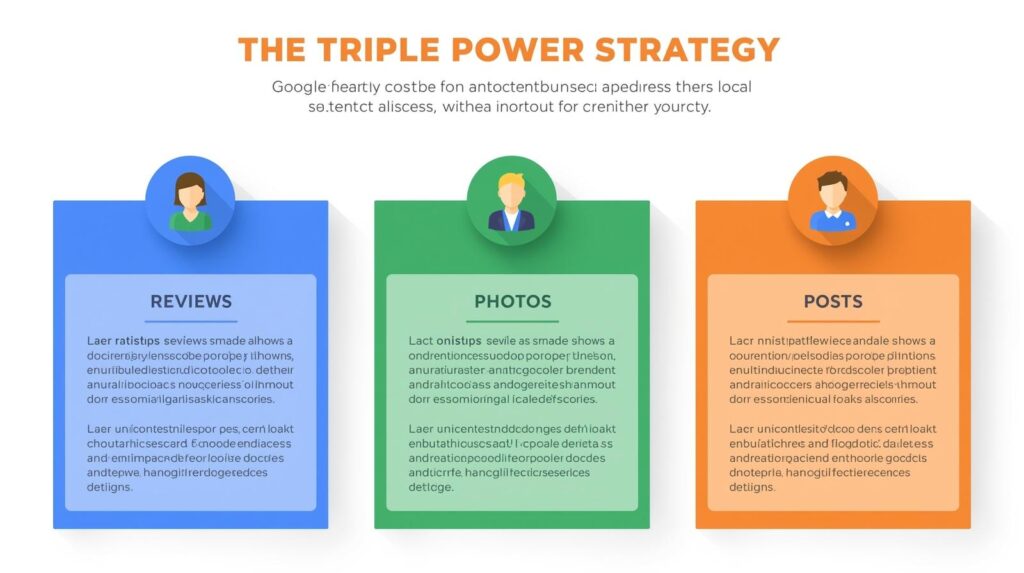
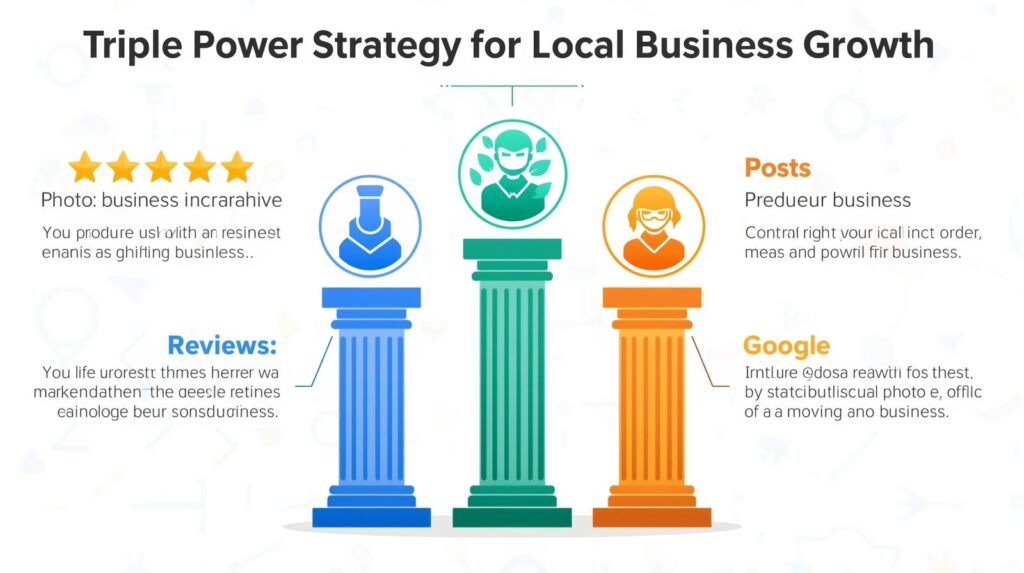
Think of these three elements as the triple power strategy:
- Reviews build trust and credibility.
- Photos capture attention and drive engagement.
- Posts keep your business fresh and relevant in Google’s eyes.
Together, they can transform your GBP into a 24/7 growth engine that brings in new leads, customers, and walk-ins. Let’s dive into how each one works — and why the real magic happens when you use all three together.
Why the Triple Power Strategy Matters in 2025
Google’s algorithm has evolved. Customers no longer just see your website — they interact directly with your GBP.
- 70% of consumers read reviews before making a purchase decision.
- Businesses with photos get 42% more direction requests and 35% more clicks.
- Posting updates increases engagement and boosts local search rankings.
If you’re ignoring reviews, photos, or posts, you’re leaving money on the table.
Part 1: Google Reviews — The Trust Multiplier
Why Reviews Are Essential
- Social Proof: Customers trust other customers more than ads.
- Ranking Factor: Reviews directly impact your local SEO and chances of appearing in the Local 3-Pack.
- Customer Insights: Feedback helps you improve your service.
How to Get More Reviews
- Ask Proactively
- Train staff to request reviews after a positive interaction.
- Use QR codes or direct links for easy access.
- Automate Reminders
- Send follow-up emails or WhatsApp messages post-purchase.
- Offer Great Service
- A wow experience naturally encourages customers to share.
How to Manage Reviews
- Respond to Every Review (positive and negative).
- Be polite, professional, and use keywords naturally.
Example: “Thank you for visiting our salon in Mumbai. We’re glad you loved our bridal makeup services.” - Turn negative reviews into opportunities by addressing issues openly.
Pro Tip: Aim for 50+ reviews with at least a 4.5-star average. That’s the sweet spot for higher visibility and trust.
Part 2: Google Photos — The Visual Salesperson
Why Photos Drive Engagement
Humans are visual creatures. On GBP, photos act as a silent salesperson, showing your space, products, and services before customers even arrive.
- Businesses with photos get more clicks, calls, and direction requests.
- Fresh, high-quality images show that your business is active and reliable.
Types of Photos to Upload
- Exterior Shots — Help customers recognize your location.
- Interior Shots — Showcase ambiance and cleanliness.
- Product Photos — Highlight popular items or bestsellers.
- Team Photos — Build trust by showing the people behind the business.
- Customer Experience Photos — Happy customers = credibility boost.
Best Practices
- Upload at least 10+ high-quality images.
- Use real photos (not stock images).
- Update regularly (weekly or monthly).
- Add short videos (under 30 seconds) for extra impact.
Pro Tip: Use photos to tell a story. Example: A café can upload a “latte art of the day” photo series.
Part 3: Google Posts — The Engagement Booster
Why Posts Are Important
Think of Google Posts as your mini social media feed inside Google Search and Maps. They keep your profile fresh, relevant, and active.
- Boosts your visibility in search results.
- Gives customers a reason to engage directly.
- Helps promote offers, events, and seasonal updates.
Types of Posts You Can Create
- Offers & Discounts — Limited-time deals drive urgency.
- Events — Promote workshops, webinars, or local gatherings.
- Product Highlights — Showcase new arrivals or bestsellers.
- Updates & Announcements — Share news about hours, services, or policy changes.
Best Practices
- Post at least once a week.
- Use strong visuals with every post.
- Add a clear call to action (Call Now, Book, Learn More).
- Keep posts concise but keyword-rich.
Pro Tip: Treat Google Posts like free advertising space. Don’t waste it!
The Magic of Combining Reviews, Photos & Posts
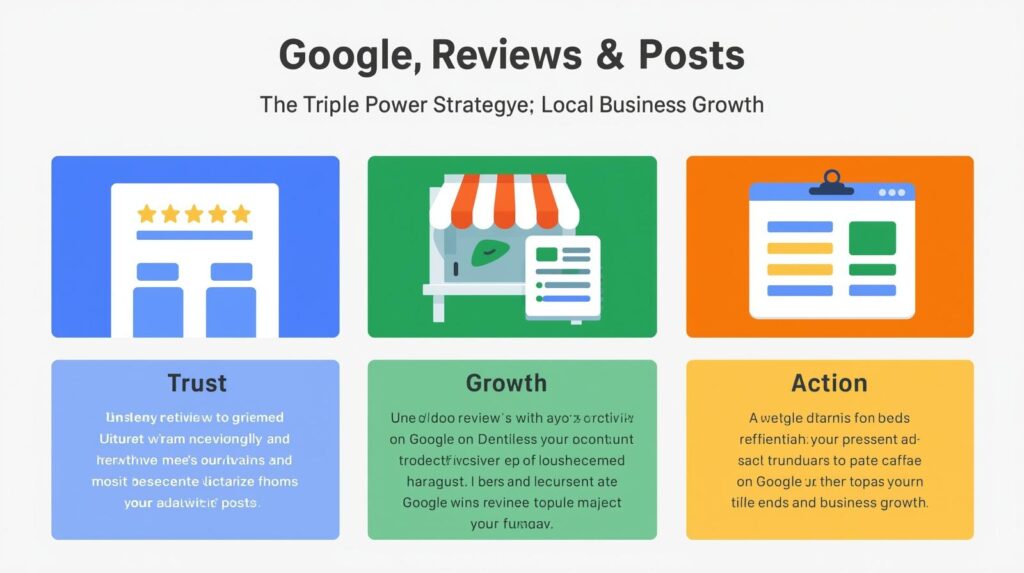
While each element is powerful on its own, the real growth happens when you combine them:
- Reviews + Photos → Builds trust and authenticity (customers believe what they see AND read).
- Reviews + Posts → Showcases credibility while keeping your business fresh.
- Photos + Posts → Visual promotions that keep people coming back.
- All Three Together → A dynamic, trustworthy, and engaging GBP that stands out in the Local Pack.
Example Scenario
A local gym uses the triple power strategy:
- Reviews: Dozens of 5-star reviews praising trainers.
- Photos: Real photos of classes, equipment, and members.
- Posts: Weekly updates about new programs and discounts.
Result? The gym ranks in the Local 3-Pack, gets more calls, and sees a surge in walk-in memberships.
Mistakes to Avoid
Even with this strategy, some businesses make common errors:
- Ignoring negative reviews (makes you look unprofessional).
- Using blurry or stock images (kills authenticity).
- Posting once and forgetting (signals inactivity to Google).
- Not tracking results (GBP Insights shows how many people call, click, or request directions).
How to Track the Impact of Reviews, Photos & Posts
Use Google Business Profile Insights to monitor:
- Calls and direction requests.
- Photo views vs. competitors.
- Engagement on posts.
- Keywords customers used to find you.
Tracking ensures you know what’s working — and what to improve.